
Transaction Notification Emails
In addition to the notifications created by individual users, it is also possible to configure notifications for all transactions (sent and received) on the Settings, Interaction page. This page is accessible to administrators only.
Notifications are emails sent to a configured email address when:
- A case is submitted or sent again
- A case is received or received again
Configuring Notifications
Go to the Settings, Interaction page.
On the “Bidding and Closing” tab, there is a section for “Notification Settings”.
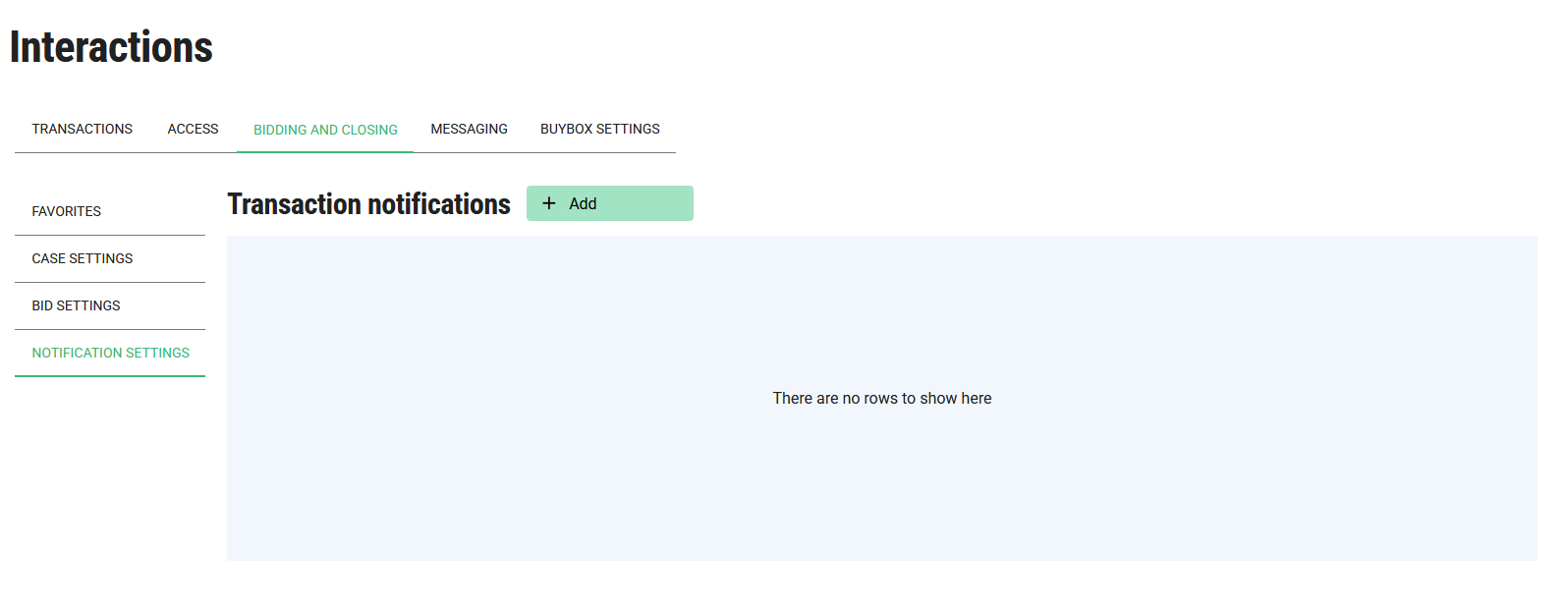
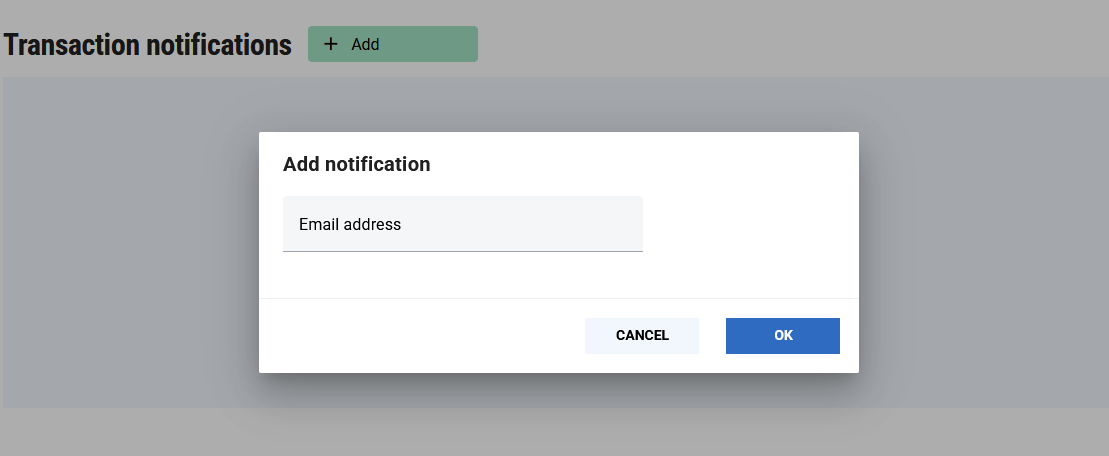
A new notification email address can be added by clicking the + Add button in the header:
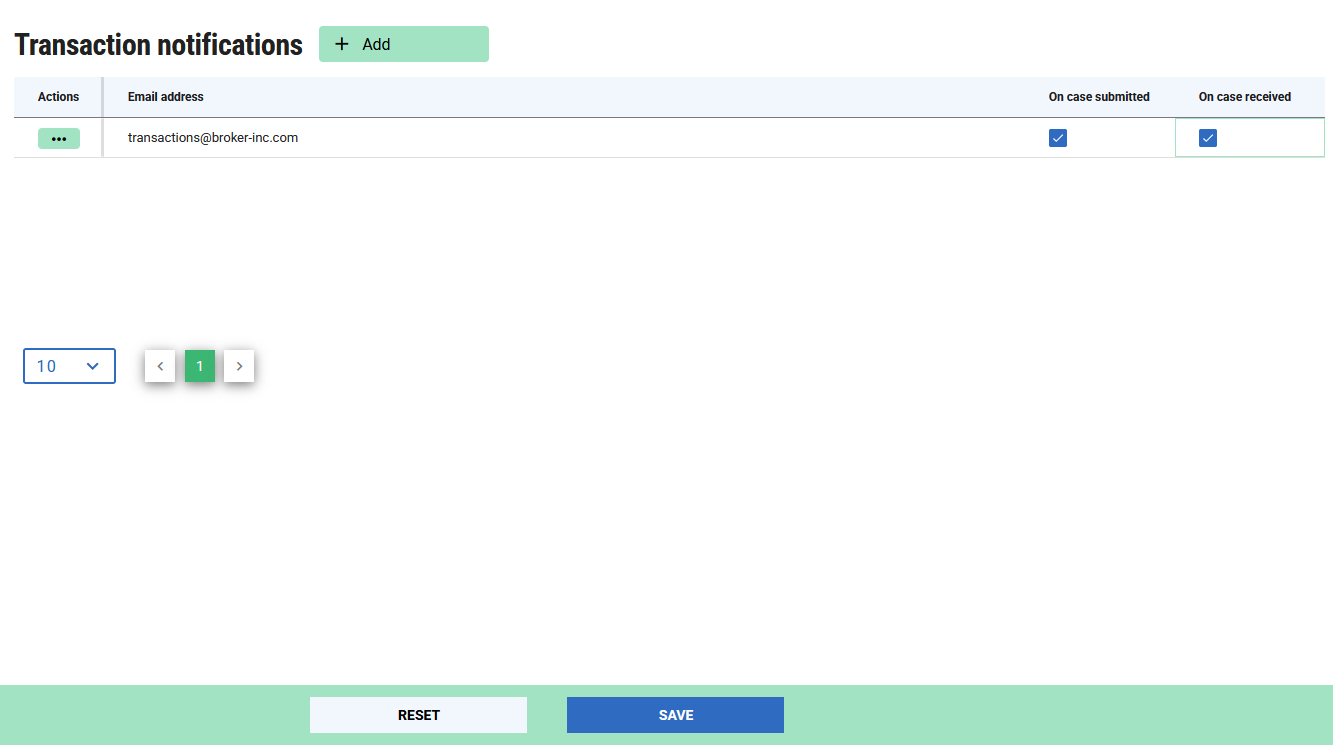
The checkboxes can be used to opt into notifications. E.g. if you only need notifications when a case is sent from your account, you can just check the “On Case Submitted” option. Then save your changes.