
BuyBox
A BuyBox is a set of rules, or filters, that determine how favourably the counterparty is likely to view the case in a transaction. You can have default rules applied to all counter parties as well as rules specific to a particular counterparty.
When sending a case, the BuyBox rules are evaluated and displayed next to the counterparty.
Configuring BuyBox
The Buy Box rules are configured on the Settings, Interaction page.
Default settings
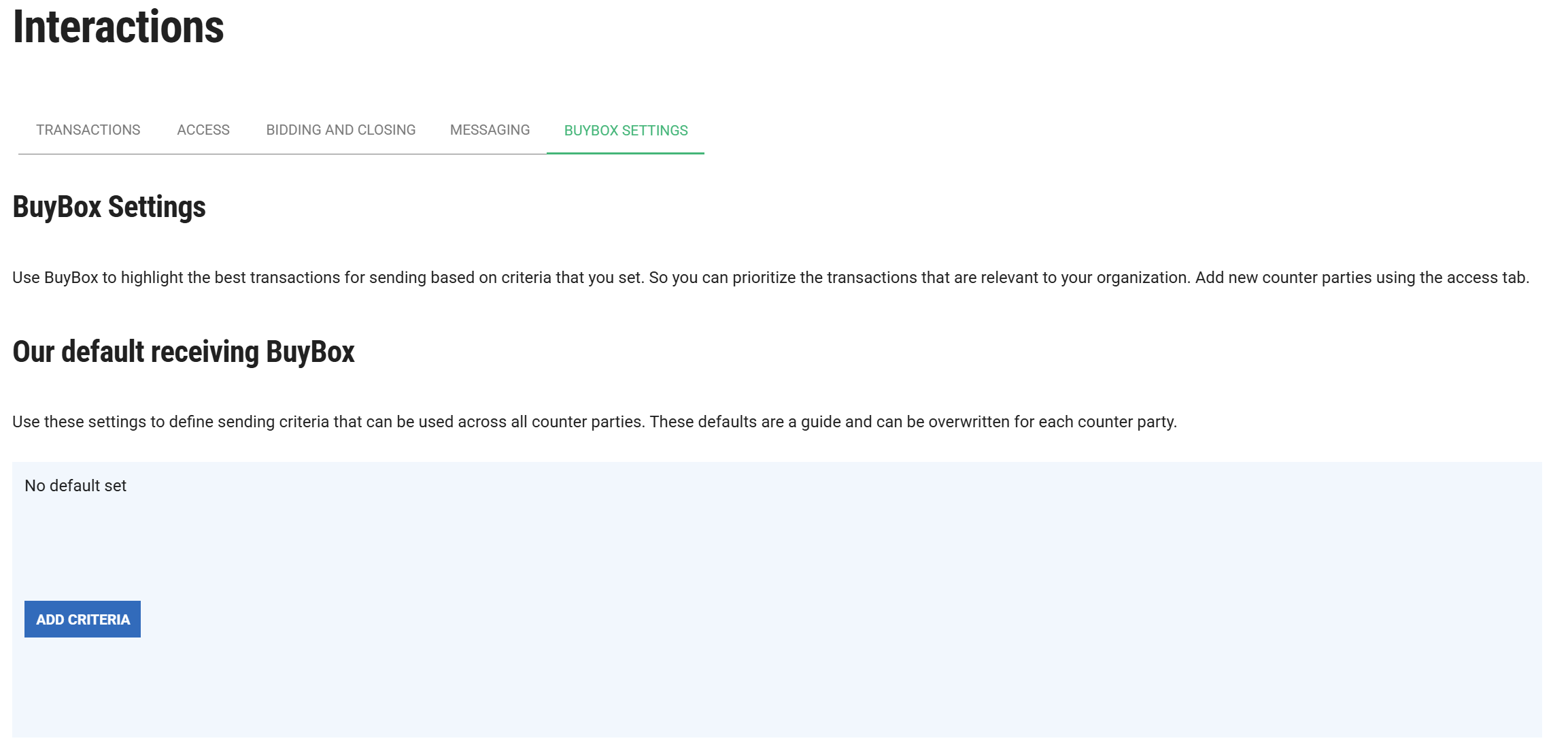
The first time you visit the tab, you will see empty default settings. The exact view depends on whether you have access to the “Buy Box” role.
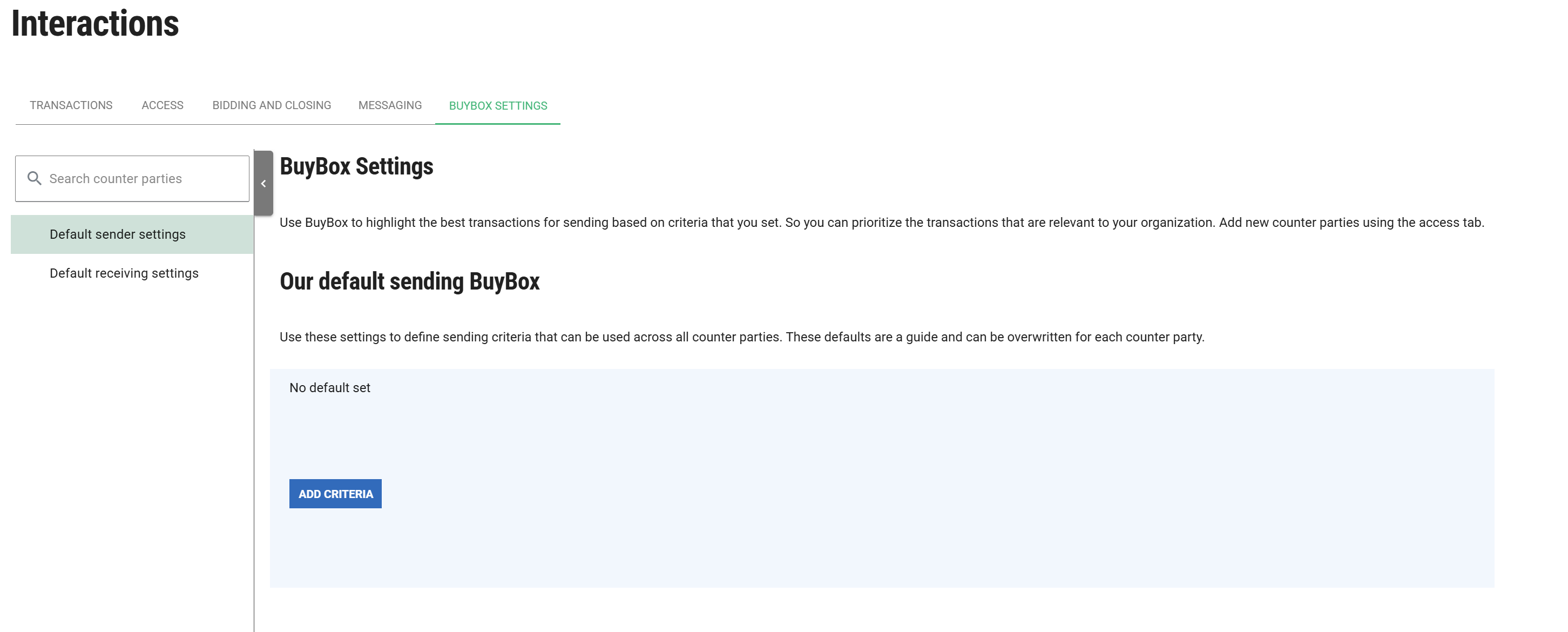
There are 2 sets of defaults:
- Default sender settings: these will be applied to cases sent from my account to others
- Default receiving settings: these will be applied to cases sent to my account from others
Users with the “Buy Box” role, in the essentials module can configure a BuyBox per counterparty for sending and receiving cases. Users without the role can only set up one set of defaults for receiving cases.
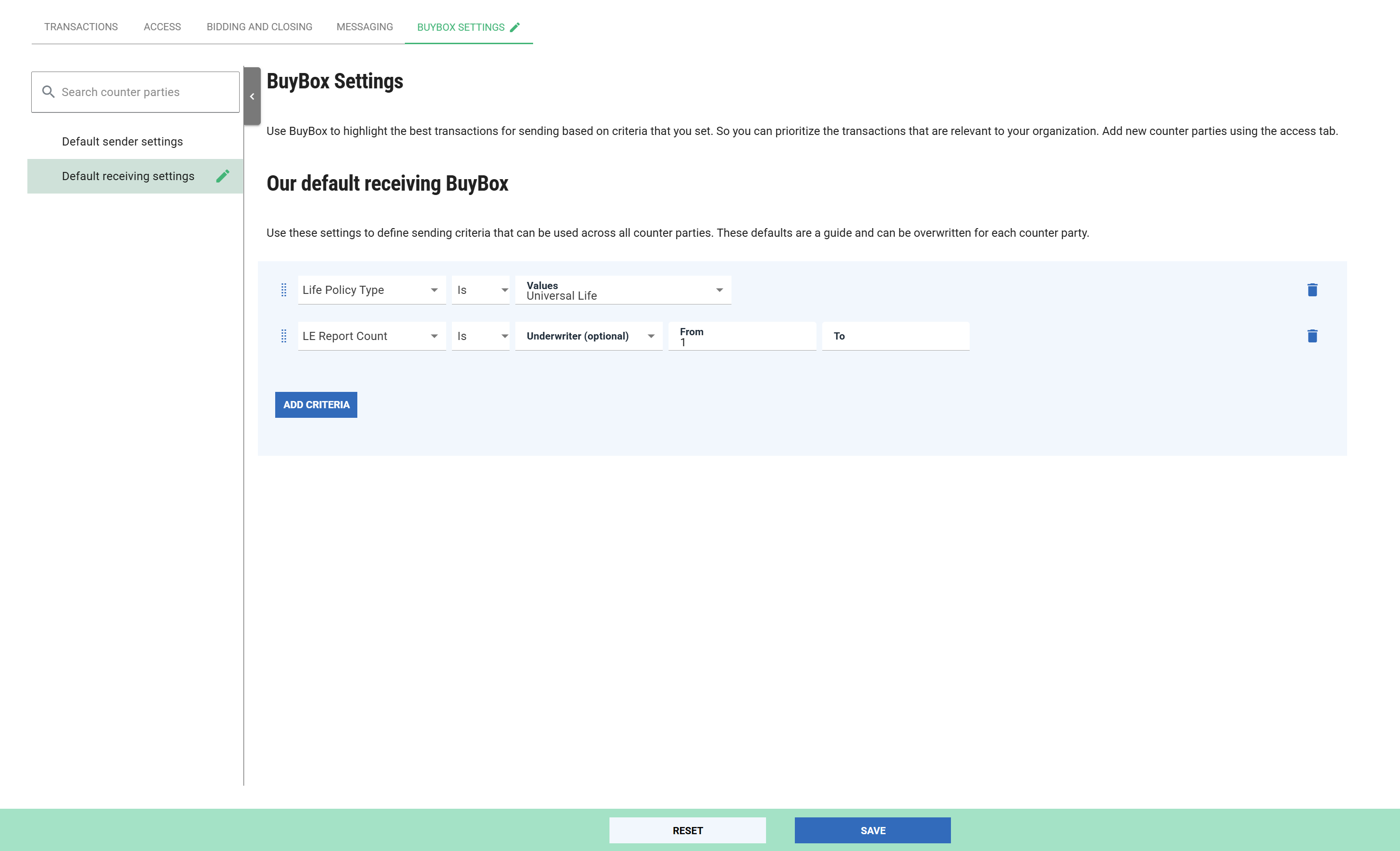
For example, if you only wish to receive Universal Life policies that have an LE Report then you could configure your default BuyBox to communicate that:
Counterparty settings
As well as configuring default settings, you can create settings for a particular counterparty. All counterparties will be shown in the list on the left hand side of the page (1) and selecting will show details of their BuyBox (2) as well as the ability to set your own:
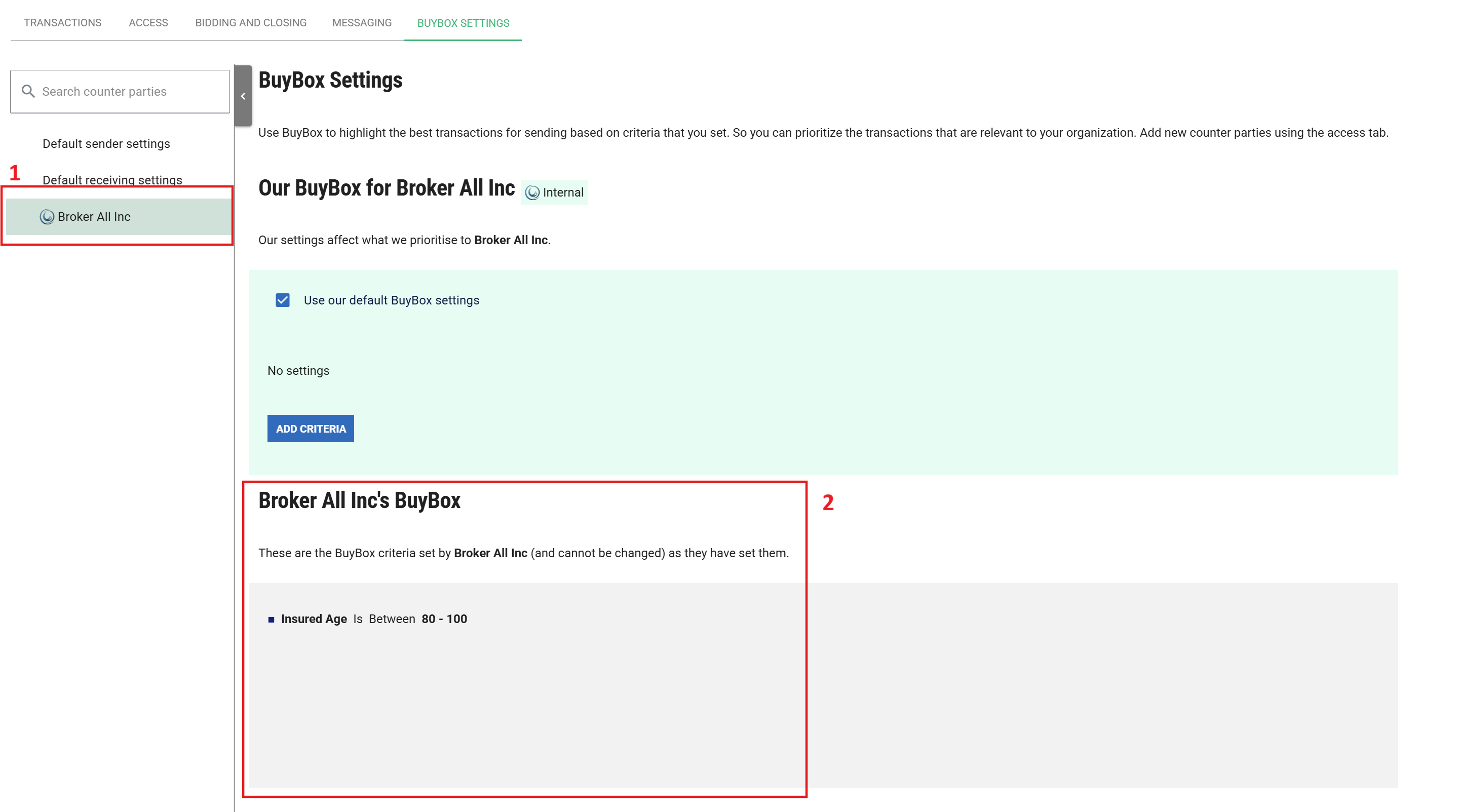
The full counterparty list will consist of:
- Other ClariNet LS Clients that you have permission to interact with
- Counter parties configured on the “ACCESS” tab
- Favourite recipients configured on the “BIDDING AND CLOSING” tab
Using BuyBox
When BuyBoxes have been configured, they will show up against counterparties when sending a transaction. Clicking the arrow will show the reasons for the pass/fail.

The criteria from the BuyBox is displayed first, then the current value from the case (in italics) and finally a tick or cross depending on whether the data point matches the criteria or not.